
Pika AI Video Generator
Free Pika AI Video Generator Online
Create short videos, animated scenes, and image-to-video clips in your browser
AI Model
Prompt *
0/900Optional audio reference
MP3, MPEG, or WAV, up to 10 MB. Fast does not support M4A.
Aspect Ratio
Video Quality
Video Duration
4s – 15sWhat You Can Make with Pika AI Video
Use Pika AI for the video ideas users search for most: social clips, image animation, prompt tests, story scenes, product motion, and playful transformations.
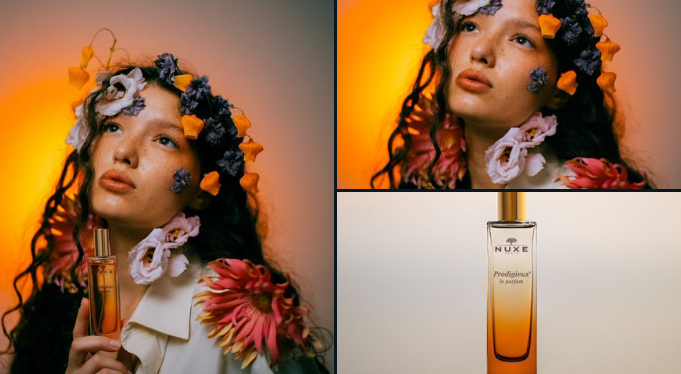
Product Motion Clips
Animate a product photo or still creative into a short clip for ads, landing pages, and ecommerce tests. Pika AI helps you see motion ideas before filming.
TikTok, Reels, and Shorts
Create quick vertical video ideas for TikTok, Instagram Reels, and YouTube Shorts. Test hooks, effects, and visual styles before building a full edit.
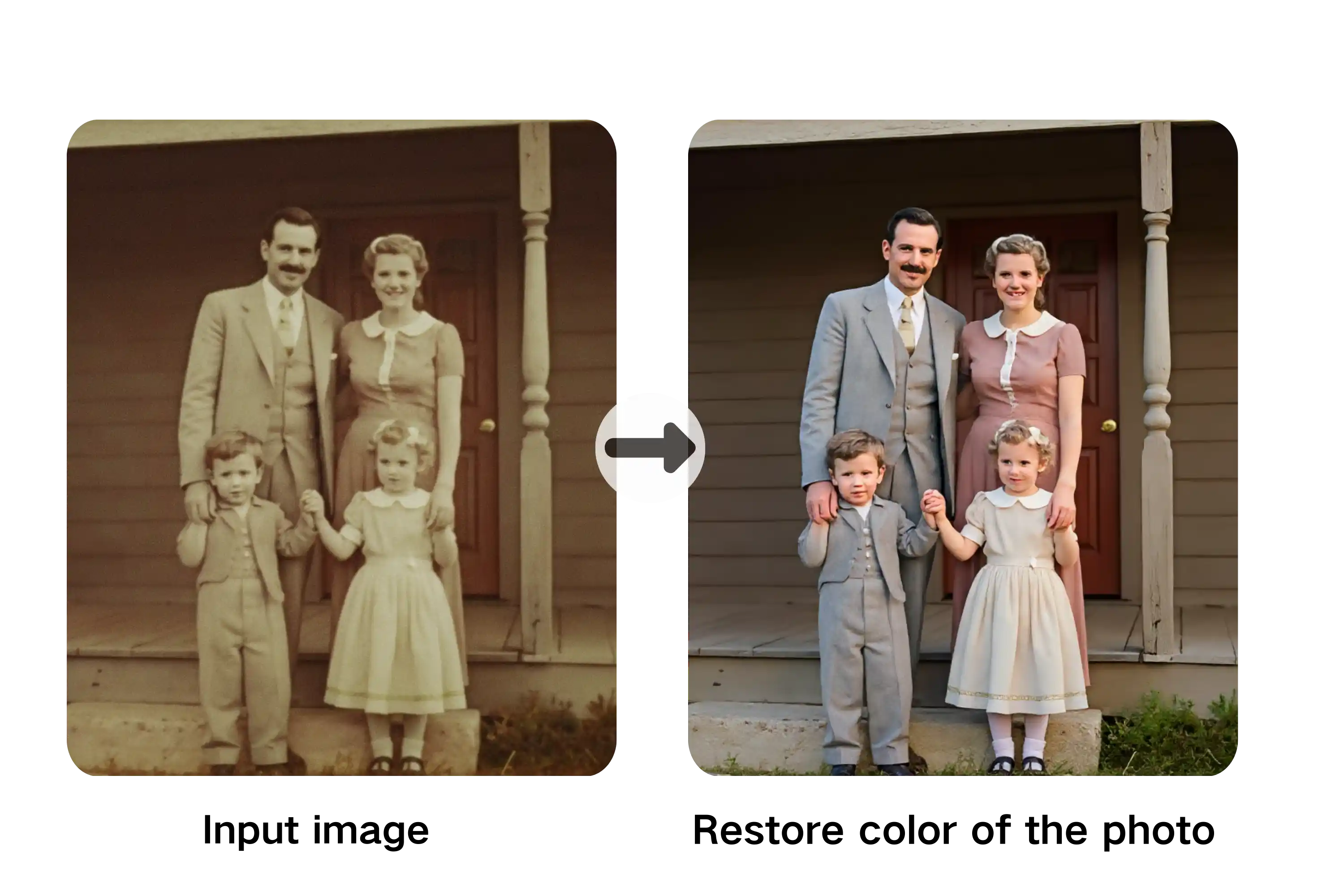
Character and Story Motion
Bring character art, fantasy scenes, moodboards, and story frames into motion. Use Pika AI for quick storyboards, animated concepts, and scene exploration.
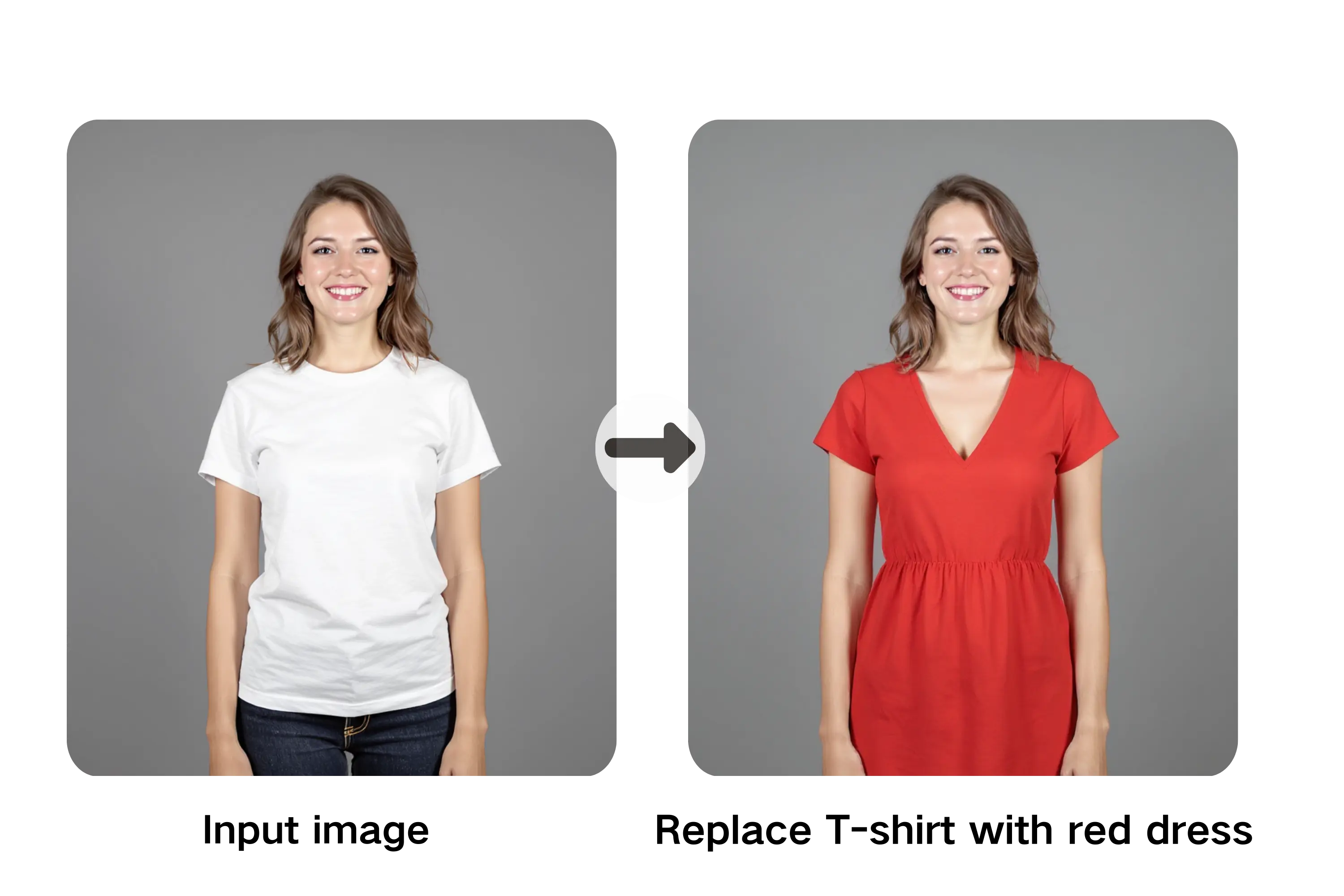
Text to Video Prompt Tests
Turn a plain-language prompt into a short AI video. Try different camera moves, styles, lighting, and actions until the scene feels close to your idea.
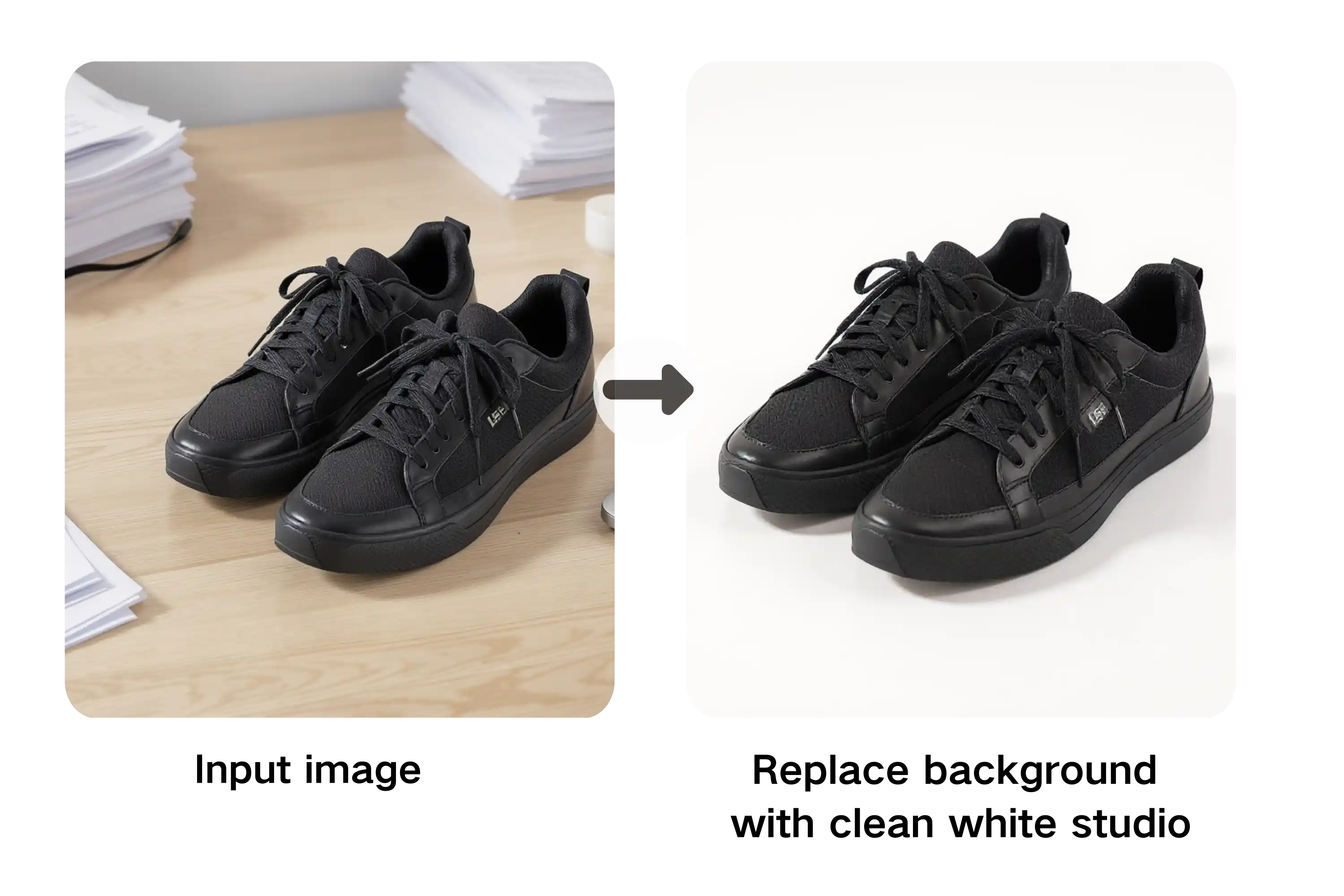
Pika Effects and Transformations
Explore playful Pika-style effects, visual transformations, and attention-grabbing motion. These clips work well for memes, trend tests, and creative experiments.
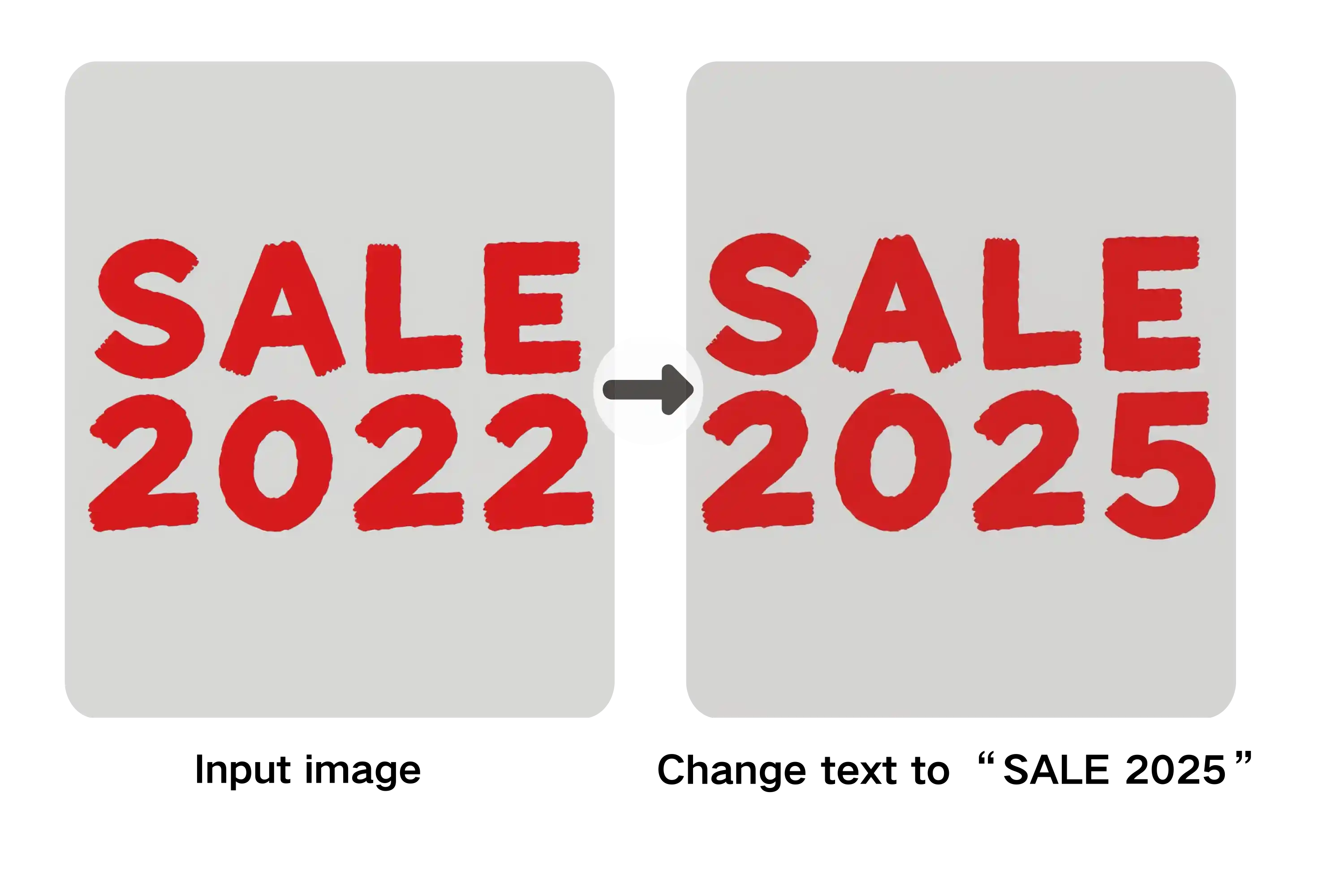
Campaign and Promo Concepts
Draft short promo clips, campaign moods, and branded motion ideas. Pika AI is useful when you need a visual direction before production or client review.
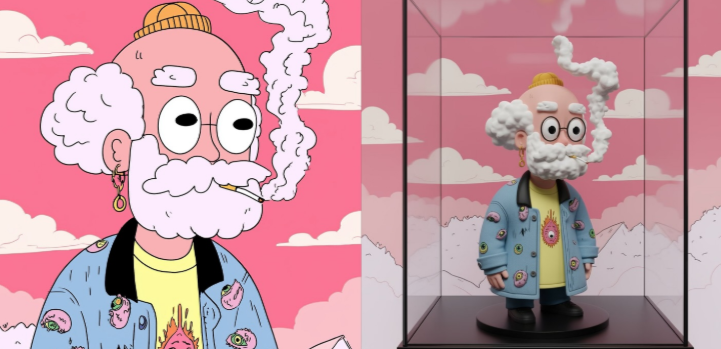
Pika AI video ideas
Pika Labs AI Video Examples by Input Type
See how different inputs become different kinds of AI video output: text prompts for cinematic scenes, images for product and character motion, and effects prompts for social-ready clips.
.png&w=3840&q=75)
Text to video
Text-to-Video Clips and Cinematic Scenes
Turn a written prompt into an AI video with cinematic camera movement, dynamic lighting, scene direction, and stylized motion. Use Pika AI for storyboards, B-roll, music visuals, concept trailers, and short-form video ideas.
.png&w=3840&q=75)
Image to video
Image-to-Video Animation for Products and Characters
Animate a photo, product shot, character design, logo, or reference frame into a polished motion clip. Create product demos, character animation, fashion previews, app promos, and image-to-video content for landing pages and ads.
.png&w=3840&q=75)
Pika effects
Viral Video Effects for Ads, Reels, and Shorts
Generate eye-catching Pika effects, transitions, visual transformations, meme videos, hook clips, and scroll-stopping creatives for TikTok, Instagram Reels, YouTube Shorts, ecommerce ads, and creator campaigns.
How to Use Pika Labs AI for Text to Video and Image to Video
Start with a prompt or image, choose the clip style and format, then generate a short video you can review, refine, and use as a creative direction.
01
Step 1 • Start with a Pika AI Prompt or Image
Write a short scene prompt, describe the motion you want, or upload a reference image. Include the subject, action, camera movement, mood, and where the video will be used.
02
Step 2 • Choose Text to Video or Image to Video
Select the right Pika AI workflow for your idea. Use text to video for new scenes, image to video for animating a still, and vertical formats for TikTok, Reels, and Shorts.
03
Step 3 • Generate, Review, and Refine
Generate a short video draft, check the motion and style, then improve the prompt if needed. Use each result to find the right scene, effect, or social clip direction.
Why Use Pika AI for Fast Video Experiments
People search for Pika AI because they want an easy way to turn prompts and images into short videos, effects, and social-ready motion without opening complex editing software.
Prompt-Based Video Creation
Start with a sentence instead of a timeline. Describe the subject, action, camera move, and mood, then use Pika AI to generate a short text-to-video draft.
Image to Video Animation
Upload a still image and test how it could move. This is useful for character art, product shots, concept frames, and visual ideas that need motion.
Effects-Driven Clips
Pika AI is known for playful transformations and shareable effects. Use effects to create trend-friendly clips, surprising transitions, and social-first ideas.
Styles for Social and Storytelling
Try cinematic, animated, realistic, stylized, or surreal looks. Style control helps you match a clip to a meme, product test, storyboard, or creator concept.
Object Swaps and Additions
Experiment with replacing or adding elements inside a scene. Use this for fast visual variations instead of rebuilding the whole video idea from scratch.
Fast Online Workflow
06Work in the browser, generate a draft, compare ideas, and keep iterating. It removes the friction of cameras, editing timelines, and heavy production planning.
Simple, Transparent Pricing
Start with free credits, then upgrade to a plan that matches your video output. Credits work across text-to-video, image-to-video, and effects.
Basic
Perfect for getting started with AI image and video generation
Includes:
- 800 credits per month
- AI image generation
- AI video generation
- Unlimited downloads
- Permanent history
Enterprise
For teams and high-volume creators
Everything in Pro, plus:
- 6000 credits per month
- AI image generation
- AI video generation
- Unlimited downloads
- Permanent history
- Priority generation queue
- Commercial Use License
Pro
For regular creators who need more output
Everything in Basic, plus:
- 2000 credits per month
- AI image generation
- AI video generation
- Unlimited downloads
- Permanent history
- Priority generation queue
Pika AI Video Generator FAQ
Answers for users searching Pika AI, Pika Labs AI, text to video, image to video, Pika effects, free credits, and how to create short AI videos online.
What is Pika AI?
Pika AI is an AI video generation workflow for turning prompts and reference images into short videos. People use it for text to video, image to video, social clips, animated scenes, and effects-driven creative tests.
Can I try Pika AI before buying a plan?
Yes. You can start with available credits and test Pika AI video prompts before choosing a paid plan. Credit requirements are shown in the product before generation.
How long does video generation take?
Generation time depends on clip length, selected workflow, style, and current demand. The interface shows progress while your Pika AI video is being created.
How does Pika AI text to video work?
Write a prompt that describes the scene, subject, action, camera movement, and mood. Pika AI uses that prompt to generate a short video draft from text.
How does Pika AI image to video work?
Upload a still image, product photo, character frame, or illustration, then describe the motion you want. Pika AI animates the image into a short video.
Do I need video editing skills?
No. Pika AI is built around plain-language prompting and browser-based generation. You can test ideas without learning timeline editing, keyframes, or motion graphics.
Can I create Pika-style effects?
Yes. Pika AI is often searched for playful effects and transformations. Use effect-style prompts to test social clips, meme ideas, transitions, and attention-grabbing motion.
What can I create with Pika AI?
You can create text-to-video clips, image-to-video animations, character motion, product motion tests, cinematic scenes, short social videos, and Pika-style effects.
How do credits work?
Each generation uses credits based on the selected video settings. The current cost appears before you generate, and paid plans or credit packs provide more usage.
Can I use Pika AI on a phone?
Yes. The site is designed for responsive browser use, so you can write prompts, upload images, and test Pika AI videos on compatible mobile devices.
Is this the official Pika AI website?
This site is an independent Pika AI video generator experience built around Pika AI search intent, prompts, effects, and online video creation. It should not be described as the official Pika Labs website unless officially authorized.
Create Your First Pika AI Video
Start with a prompt or image and use Pika AI to test short video ideas, animated scenes, and effects-driven clips.